November 20, 2026 By: JK Tech
The last time when you opened a fridge at a supermarket, you didn’t wonder if a hacker was sitting somewhere changing its temperature, right? Nobody does. But in October 2026, that’s exactly what happened in France.
More than 350 supermarkets had their refrigeration controls hacked over the internet. The settings were changed, and fridges and freezers got warmer and warmer. Food got spoiled. Equipment overheated. Some stores had to close for a while. Soon after, similar cases came up in a few other European countries too.
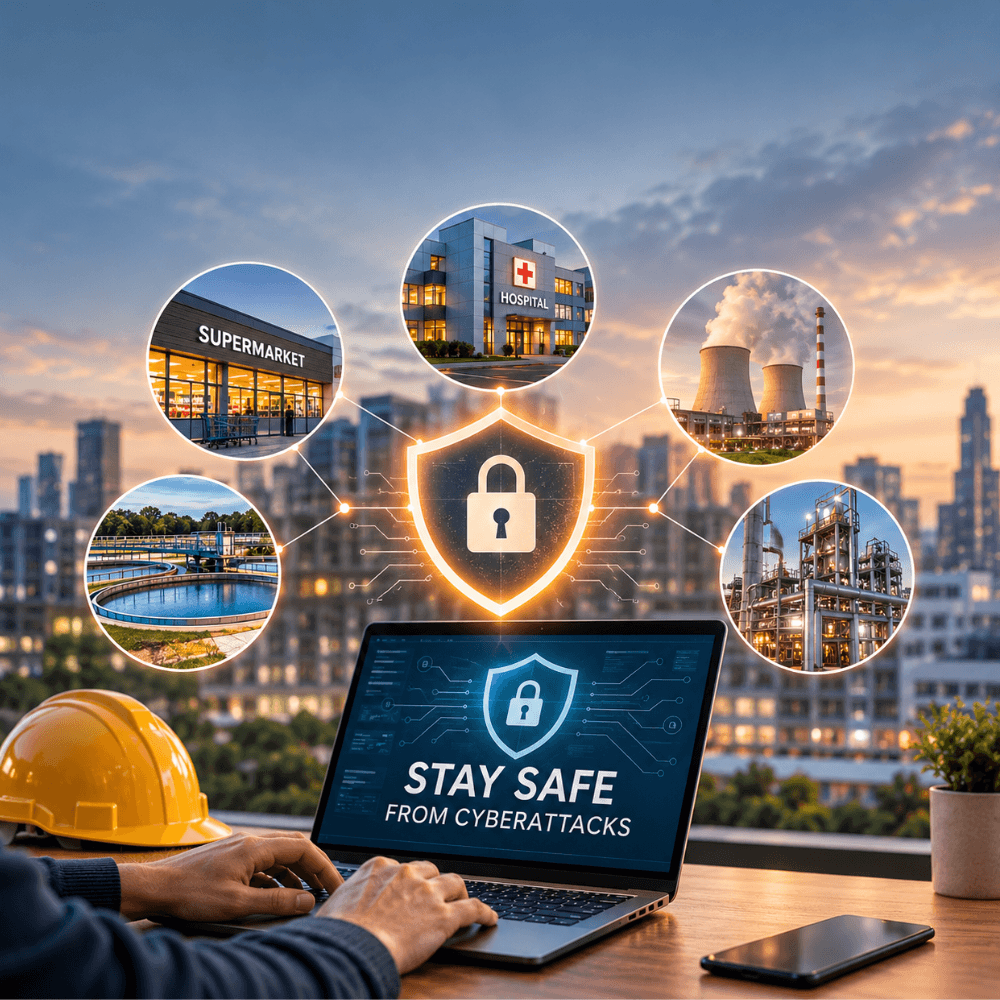
Now notice what the hackers went after. Not customer data. Not credit cards. Just the cold storage. And that’s the part you should take seriously, because it means a cyberattack is not only an IT problem anymore. When a network is connected to real machines, an attack can hurt people, businesses and even the environment.
So what can a business actually do? Let’s get into it.
Why old machines are a problem
Critical infrastructure sounds like a heavy term, but it’s simple. It’s everything that keeps daily life going. Power, water, hospitals, transport, food supply, factories.
A lot of this now runs on internet-connected devices. They send data, get controlled remotely, and talk to other systems. It makes work faster, no doubt. But here’s the catch: when one part of the network is weak, the others connected to it can be in danger too.
And many of these machines are old. They were made for a time when nobody thought about the internet. Then somebody connected them to modern networks to save money or get better monitoring, and security was left for later. Sometimes later never came.
Researchers at Carleton University’s Cyber Security Evaluation and Assurance (CyberSEA) lab tested this on a simulated Canadian municipal wastewater plant. What they found is not nice. An attacker could mess up the chemical dosing, push machines beyond their normal limits, and wastewater that isn’t properly treated could reach nearby waterways.
That was a simulation, but it has happened in real life too. In Australia, back in 2000, a former employee got into the Maroochy Shire wastewater system remotely. He disrupted the pumping stations and the alarms. It went on for about three months, and millions of gallons of untreated sewage ended up in waterways and local parks.
Just one person, one system. So you can see why a simple antivirus is never enough.
What you can actually do
Let’s be honest, just one thing will not keep you safe. But a few basic habits, done regularly, can make a big difference.
Know what’s connected.
You can’t protect something you don’t know you have. Make a list of every device on your network, computers, servers, sensors, controllers, everything. Replace what’s no longer supported, install updates, and if a device doesn’t need internet, keep it away from it. Also, keep the machines that run your physical operations on a separate network from your office computers. That way, if one employee’s laptop gets infected, the attacker can’t walk straight into your machinery.
Don’t give everyone access to everything.
People should get only what their job needs. Use multi-factor authentication and strong passwords, especially on admin accounts, and keep an eye on remote access. And do check old accounts. When somebody leaves or changes role, their access often stays active for months, and that’s exactly what attackers look for.
Bring your employees along.
One click on a suspicious link, one attachment opened without thinking, and the damage can begin. Training helps people spot these things. But what helps even more is making people comfortable saying “this looks odd” without feeling silly. And remember, security isn’t just the IT team’s work. Whoever uses a company system is part of it.
Keep watching your systems.
Waiting for something to break is not a plan. If a fridge controller suddenly gets a command nobody sent, or a machine runs outside its usual range, you should know right away. And the alert should also reach the people handling the physical equipment, not just the security team, because they can tell quickly if something is unsafe.
Keep backups, and test them.
Even the best systems get hit sometimes. Keep backups away from your main network and check regularly that they actually restore. A backup that doesn’t open in an emergency is useless. Also write down your recovery plan: what gets fixed first, who decides, and how essential services keep running in the meantime.
It’s not always an attack
Here’s something people forget. Sometimes there’s no hacker at all.
In November 2026, Microsoft’s Outlook, Teams, Copilot and a few other Microsoft 365 services went down for users in many countries, and it went on for quite a while. Later Microsoft said it was because of a latent software defect, more network load and reduced server capacity. No sign of any attack.
But think about what it meant for businesses. No email, no meetings, no way to reach each other. If your whole team depends on one platform, what’s your plan when it disappears one morning? Keep another way to communicate ready, and practice using it before you need it.
The damage doesn’t end when the problem does
When an attack hits, the trouble isn’t over when the system comes back. Equipment may need replacing. Products may need throwing away. Customers have to be won back, and the money loss keeps adding up. For healthcare, energy, water and food, it’s even bigger, because the effect goes far beyond the company itself.
So ask yourself which parts of your operations you can least afford to lose, and bring your operations, safety and management teams into that conversation. Leaving it all to IT isn’t enough anymore.
What’s coming next
More services are getting connected every year, and that’s not going to stop. The next attack might hit a factory, a hospital, a water utility, or something nobody has even thought of as a target.
Nobody can predict every threat. But you can make your systems harder to get into and quicker to recover. Start there.